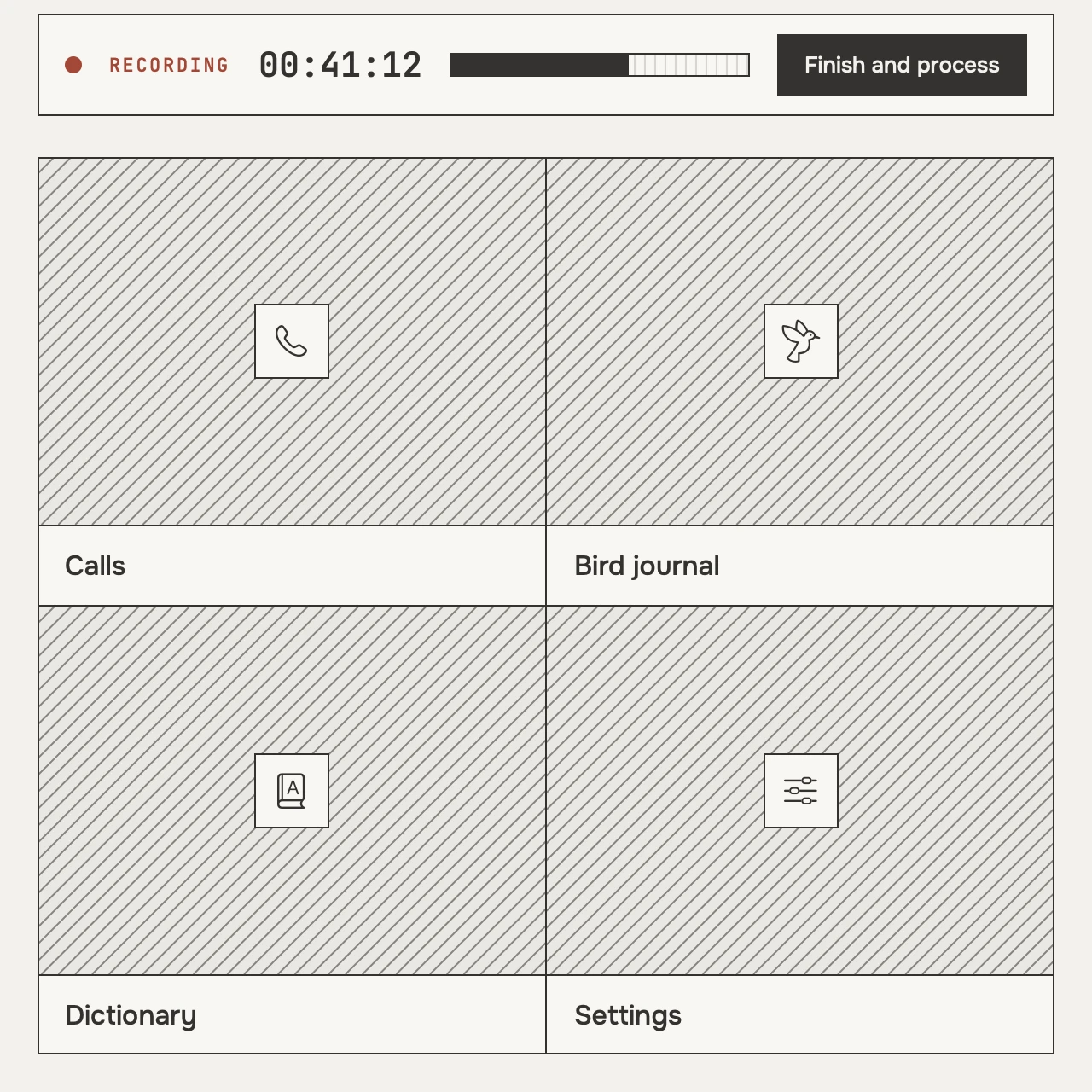
Rook starts recording
- Notices a call starting in any app and offers to record it
- Records your mic and the other side’s audio
- No bot joins the call, so nobody else sees a thing
- After a couple of quiet minutes, it asks if the call is over
The windows and messages are real app screens. The calls in them are made up.


Client is ready for a pilot Nov 17, 10:04 PM
We went over the pilot for three locations, the timeline, and what each side needs before launch.
Decisions
• Pilot starts December 1
• Weekly report, on Mondays
Tasks
• Me — Send the contract and pilot plan (November 18)
• Client — Grant POS access and check the export (by Friday)
Full summary and transcript
10:51 PM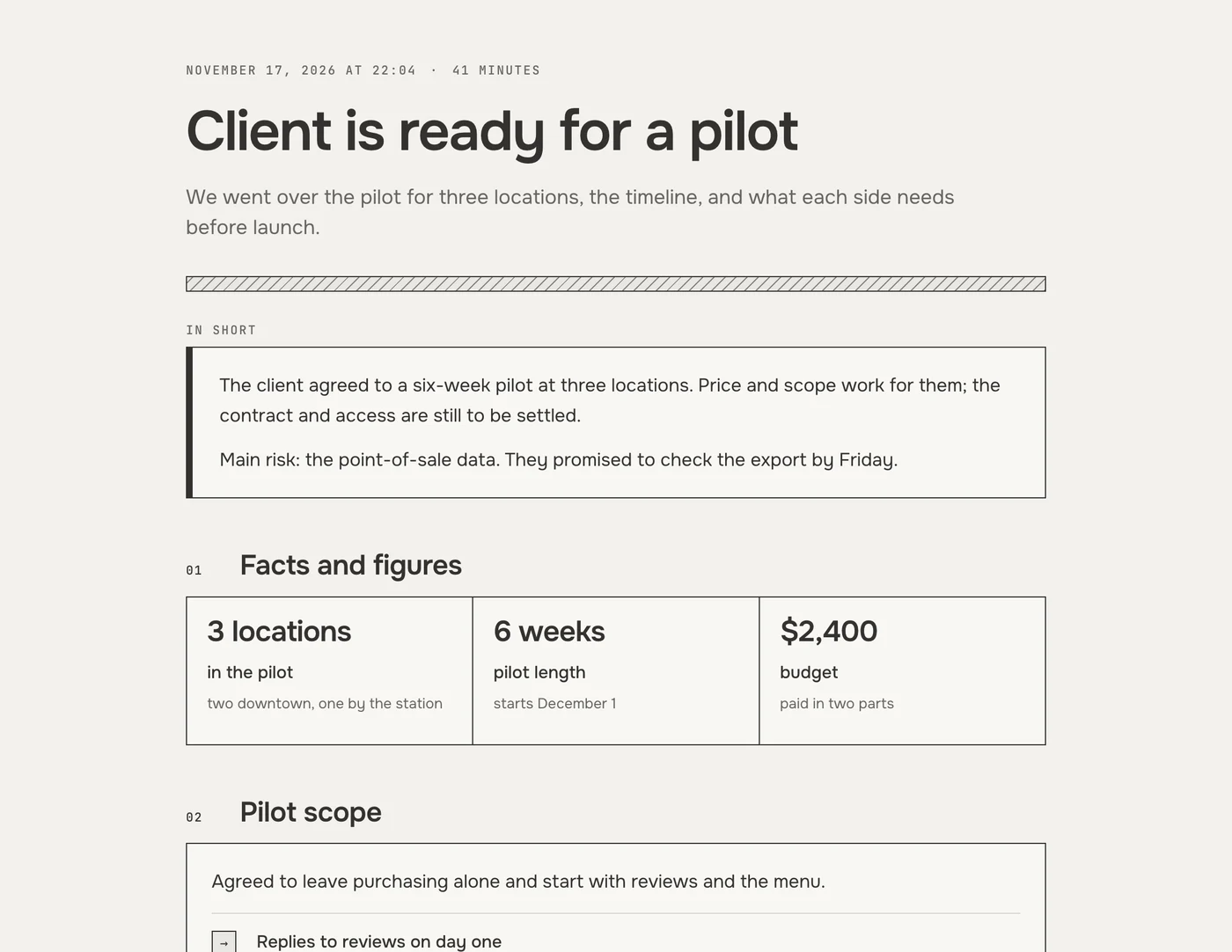
You unlock a bird when you start using its feature.
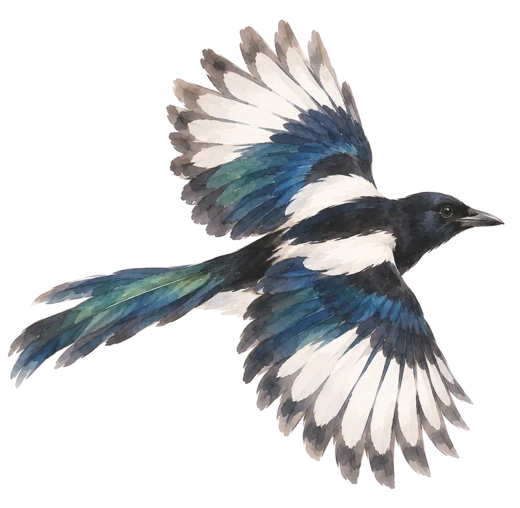
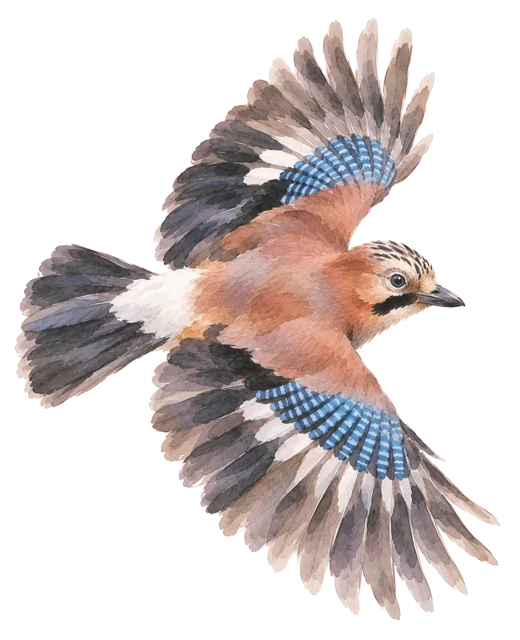
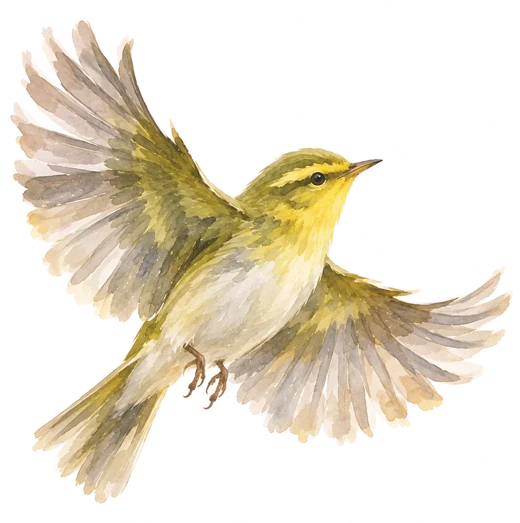
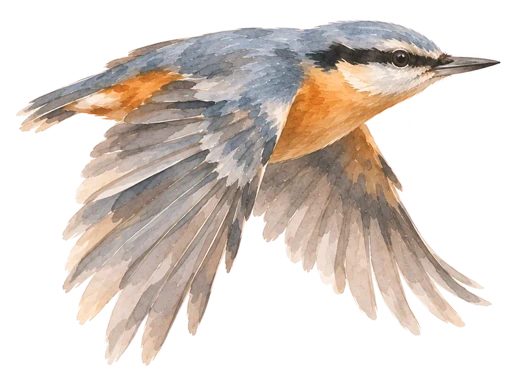

Complete achievements in Rookery to unlock new birds. Each one has its own color palette for the app. Can you collect them all?
Rookery records audio straight from your Mac, so it doesn’t matter where the call happens: in a browser, a desktop app, or a messenger.


Yes, Claude or ChatGPT. A regular Pro or Plus plan is enough. Instead of a subscription, you can add an Anthropic or OpenAI API key. The summary is written by the service you choose, and Rookery doesn’t charge extra for AI.
Nowhere. Speech is transcribed on your Mac. Only the transcript text goes to the summary engine.
No. Rookery records audio from your Mac: your mic and the other person’s voice from the calling app. Nobody else sees anything.
The call page: the gist, decisions, tasks, and the transcript. The link is long and random, and you can put a password on any call.
A Mac with Apple Silicon, macOS 14.4 or later, and about 8 GB of free space. The speech model downloads once.
The app is in 10 languages. The call page opens in the language the call was in.
They stay yours: transcripts and summaries are files in the folder you chose.
Not yet, Mac only.